
Building Your First Machine Learning Model in Python
Build your first AI model
Introduction
One of the best ways to understand machine learning is by building a simple model from scratch. Practical implementation helps connect theoretical concepts such as datasets, training, prediction, and evaluation.
In this article, we will build a beginner-friendly machine learning model using Python and Scikit-learn. The goal is to predict house prices using a simple regression algorithm.
By the end of this tutorial, you will understand:
- How to load and prepare data
- How to train a machine learning model
- How to make predictions
- How to evaluate model performance
What We Will Build
We will create a simple Linear Regression model that predicts house prices based on house size.
This project introduces the complete machine learning workflow in a simple and practical way.
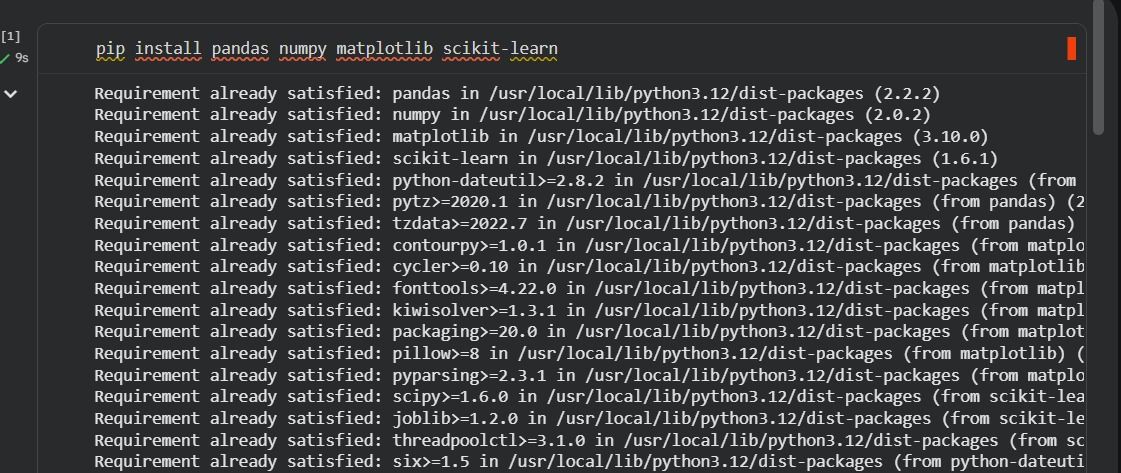
Step 1: Install Required Libraries
If the libraries are not installed, run:
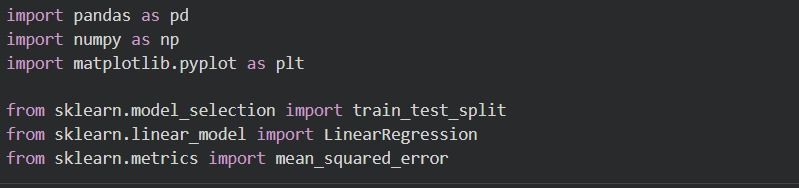
Step 2: Import Libraries
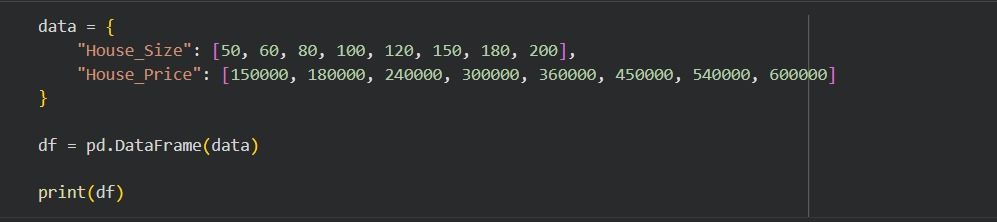
Step 3: Create a Simple Dataset
For this example, we will create a small dataset manually.
Step 4: Define Features and Target
Machine learning models learn using:
- Features (X) → input data
- Target (y) → output we want to predict

Step 5: Split Data into Training and Testing Sets
We divide the data into:
- Training data → used to train the model
- Testing data → used to evaluate the model

Step 6: Train the Machine Learning Model
Now we create and train a Linear Regression model.
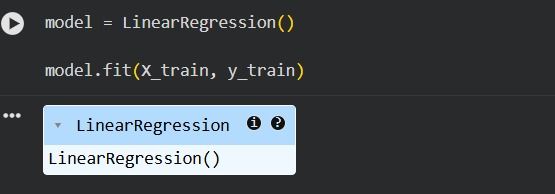
At this stage, the model learns the relationship between house size and price.
Step 7: Make Predictions
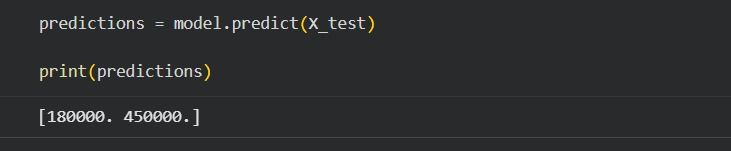
The model predicts house prices based on the test data.
Step 8: Evaluate the Model
We use Mean Squared Error (MSE) to measure prediction accuracy.

Lower MSE values indicate better performance.
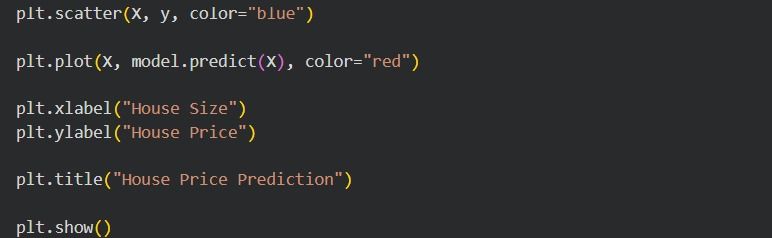
Step 9: Visualize the Results
Visualization helps us understand how the model fits the data.
Interpretation
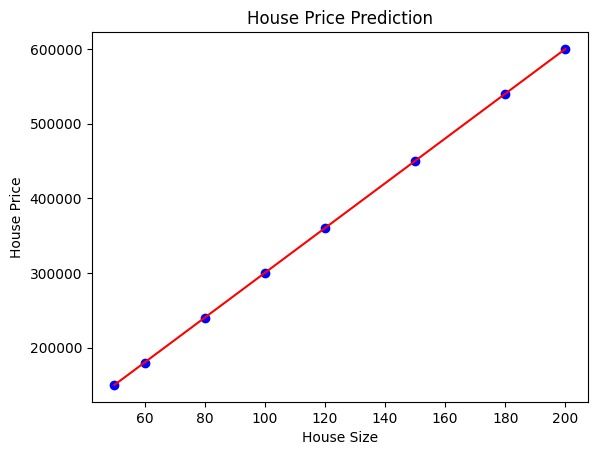
- Blue dots represent actual data points
- Red line represents the model’s predictions
The line shows the relationship learned by the algorithm.
Complete Code
import pandas as pd
import numpy as np
import matplotlib.pyplot as plt
from sklearn.model_selection import train_test_split
from sklearn.linear_model import LinearRegression
from sklearn.metrics import mean_squared_error
# Dataset
data = {
"House_Size": [50, 60, 80, 100, 120, 150, 180, 200],
"House_Price": [150000, 180000, 240000, 300000, 360000, 450000, 540000, 600000]
}
df = pd.DataFrame(data)
# Features and target
X = df[["House_Size"]]
y = df["House_Price"]
# Train-test split
X_train, X_test, y_train, y_test = train_test_split(
X, y, test_size=0.2, random_state=42
)
# Model training
model = LinearRegression()
model.fit(X_train, y_train)
# Predictions
predictions = model.predict(X_test)
# Evaluation
mse = mean_squared_error(y_test, predictions)
print("Mean Squared Error:", mse)
# Visualization
plt.scatter(X, y, color="blue")
plt.plot(X, model.predict(X), color="red")
plt.xlabel("House Size")
plt.ylabel("House Price")
plt.title("House Price Prediction")
plt.show()
What You Learned
In this project, you learned how to:
- Prepare a dataset
- Split data into training and testing sets
- Train a machine learning model
- Make predictions
- Evaluate performance
- Visualize results
This is the basic workflow used in most machine learning projects.
Next Steps
After mastering this simple example, you can explore:
- Multiple Linear Regression
- Classification models
- Real-world datasets
- Feature engineering
- Model optimization
Conclusion
Building your first machine learning model is an important milestone in understanding artificial intelligence and data science. While this example is simple, it introduces the essential concepts used in real-world machine learning systems.
Practical experimentation is one of the best ways to strengthen machine learning skills. As you continue learning, progressively larger and more complex datasets will help deepen your understanding of AI development.
Get Sasa by email
Generative AI, Africa now. One edition, no more than once a week.