Make What You Imagine Real with AI and Generative Fill — Only on Adobe Photoshop
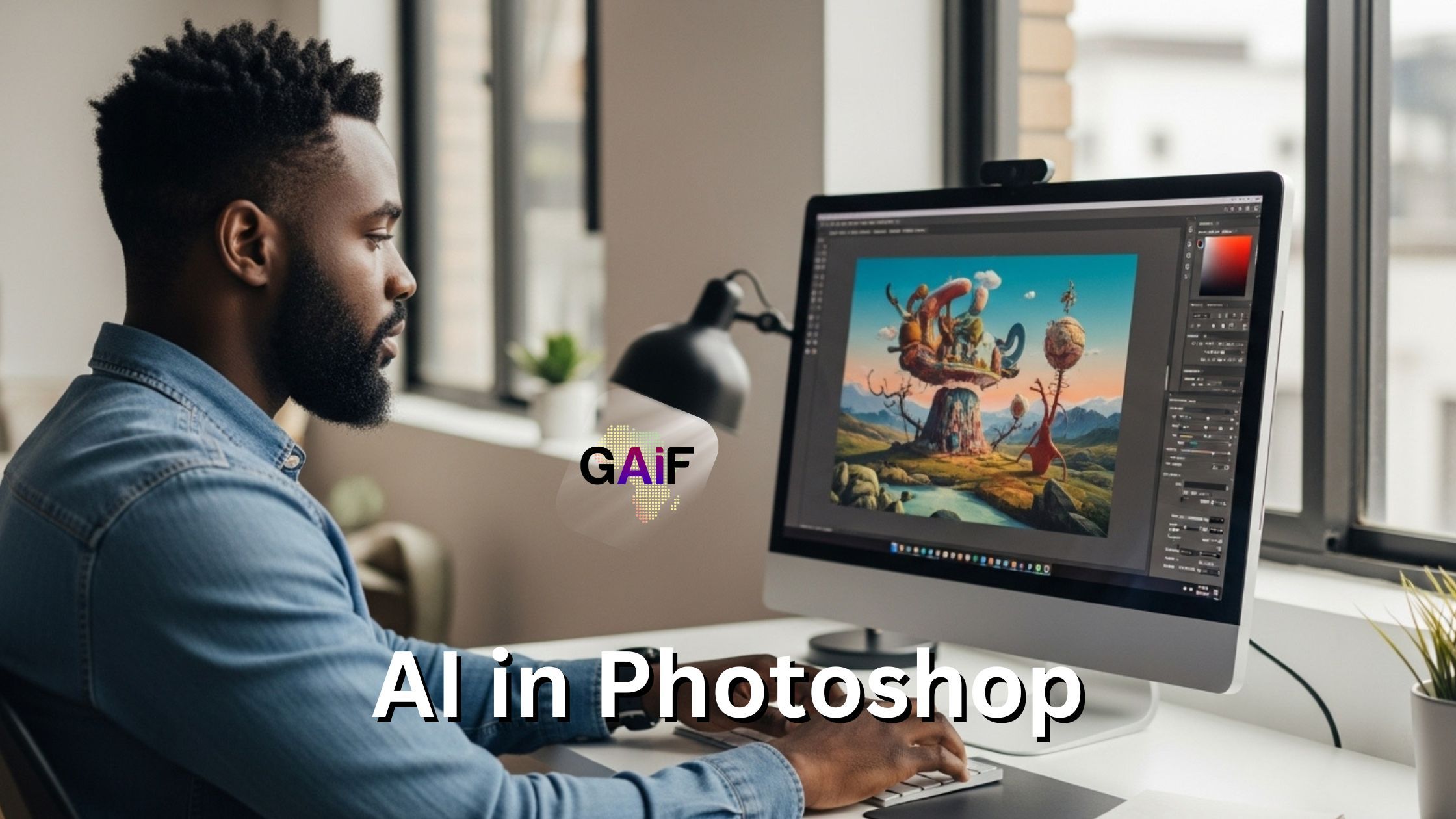
Photoshop’s Generative AI Upgrade
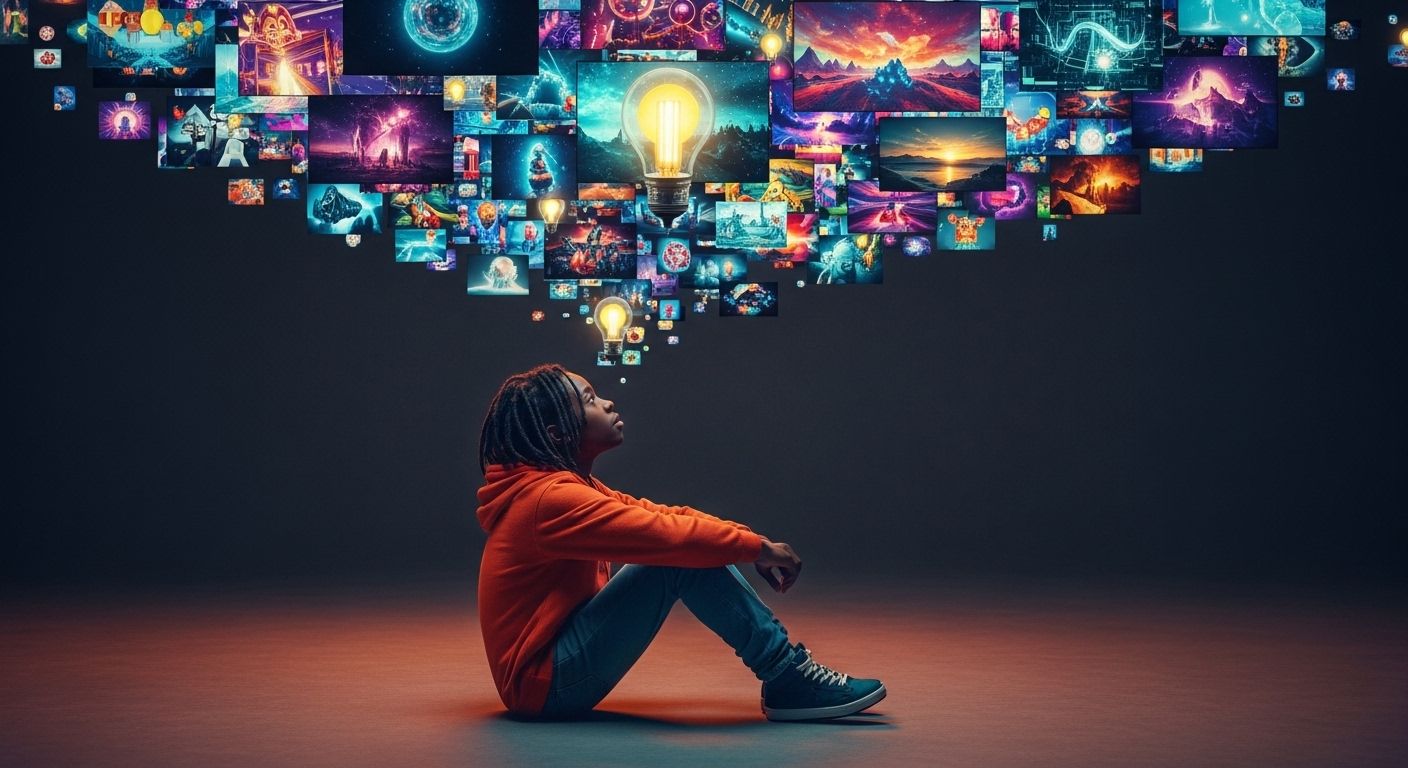
What if your wildest idea didn’t need hours of editing to come alive?
What if you could sketch a rough thought, describe it in plain English, and watch it appear—realistically, beautifully, instantly?
That’s no longer a fantasy.
That’s Generative Fill in Adobe Photoshop.
Welcome to the Era of Imagination-First Design
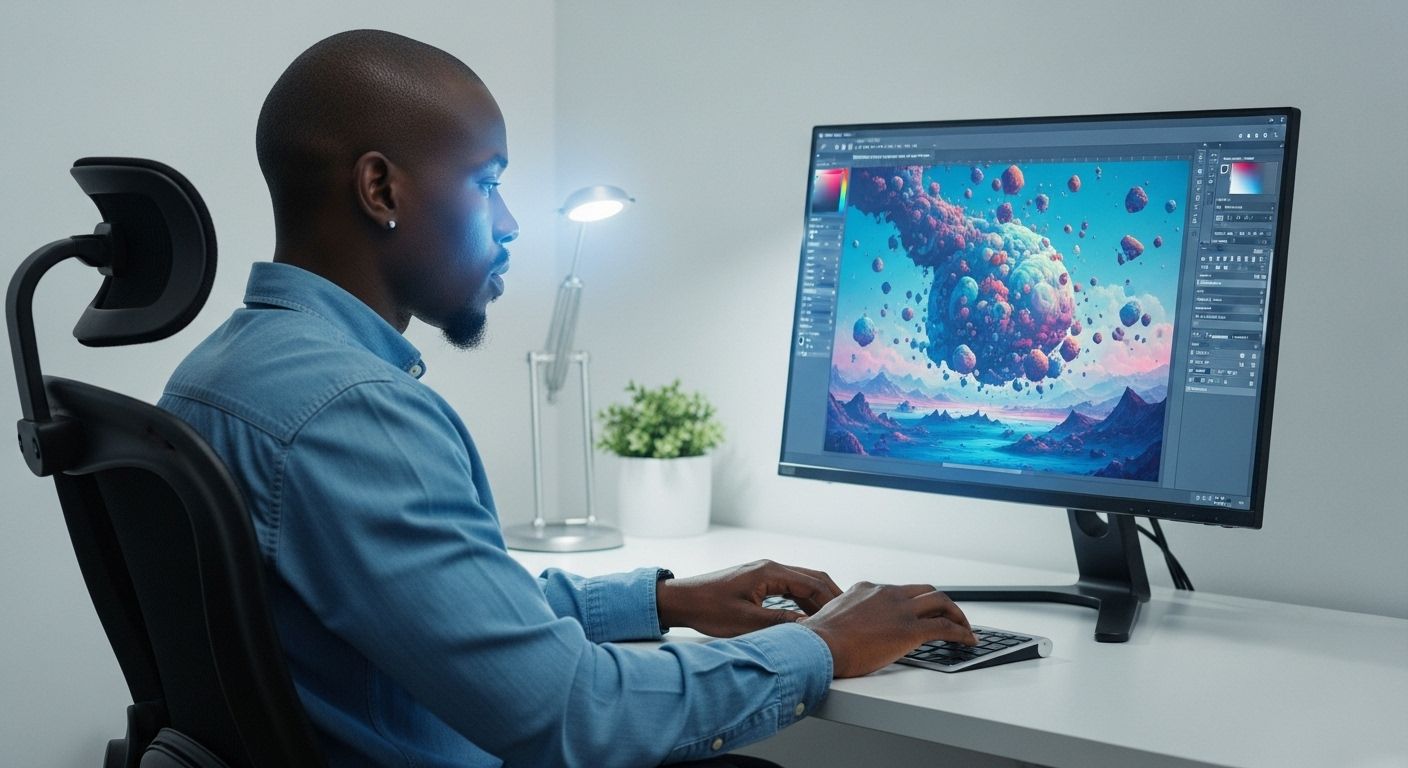
Generative Fill is Adobe Photoshop’s biggest leap since layers. It blends the precision of professional editing with the magic of artificial intelligence.
Here’s how it works:
- You select any part of an image.
- You type what you want to see there.
- Photoshop’s Firefly AI model fills the space with hyper-realistic visuals—in seconds.
From replacing cloudy skies with golden sunsets, to turning a blank background into a lively street café or jungle temple—if you can describe it, Generative Fill can create it.
From Hours to Moments: Speed Meets Creativity
Designers, content creators, and marketers are used to spending hours searching for the right stock image, background, or visual reference. Now, all you need is an idea—and Photoshop does the rest.
Imagine:
- Turning a simple product photo into an entire lifestyle scene
- Expanding a portrait with a cinematic background
- Mocking up new ad variations without ever touching a camera
It’s like having a world-class digital artist in your toolbox—on demand.
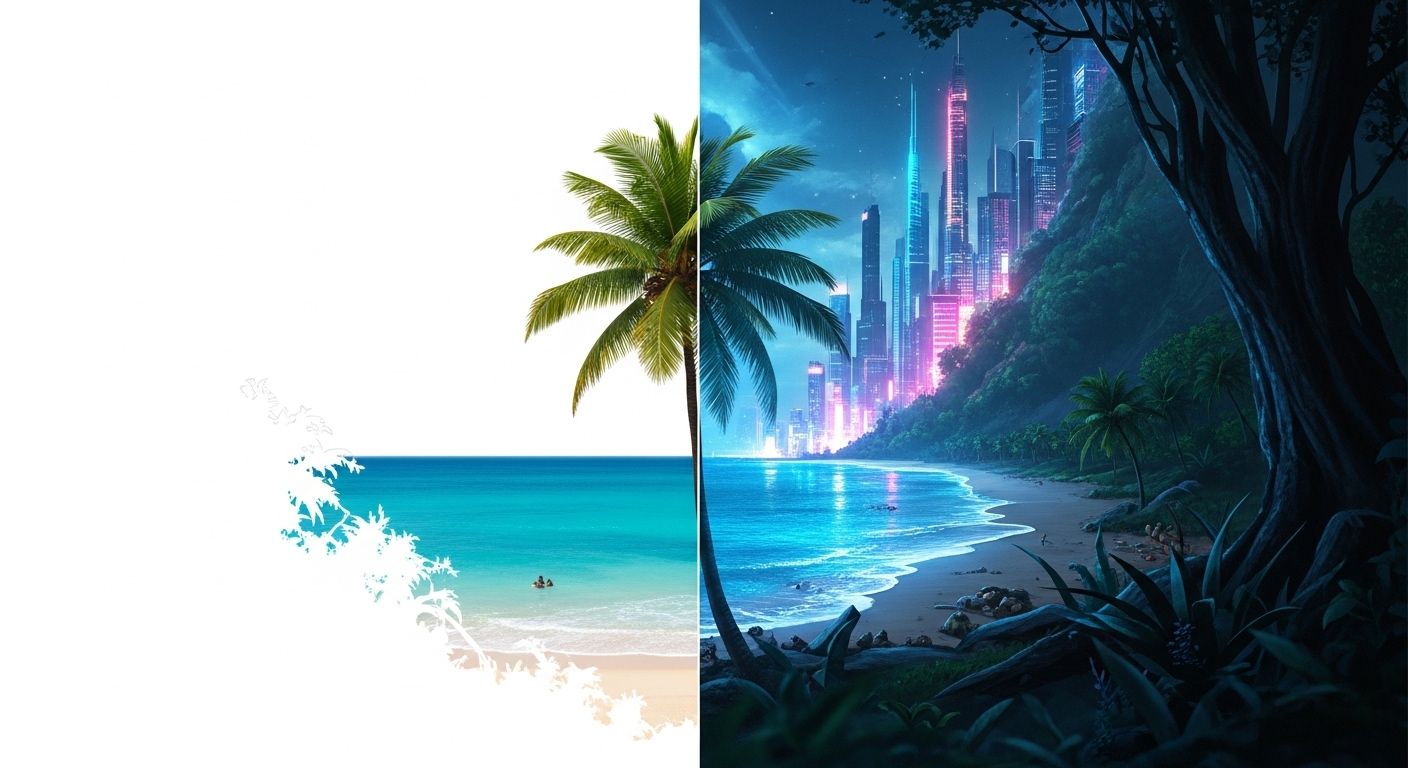
No Technical Skills Needed. Just Imagination.
Whether you're a professional designer or a curious beginner, Generative Fill is shockingly easy. You don’t need to know masking, blending modes, or complicated brushes.
Just select, type, and watch.
And because it’s built into Photoshop, it works seamlessly with the rest of your editing workflow—layers, adjustments, non-destructive edits and all.
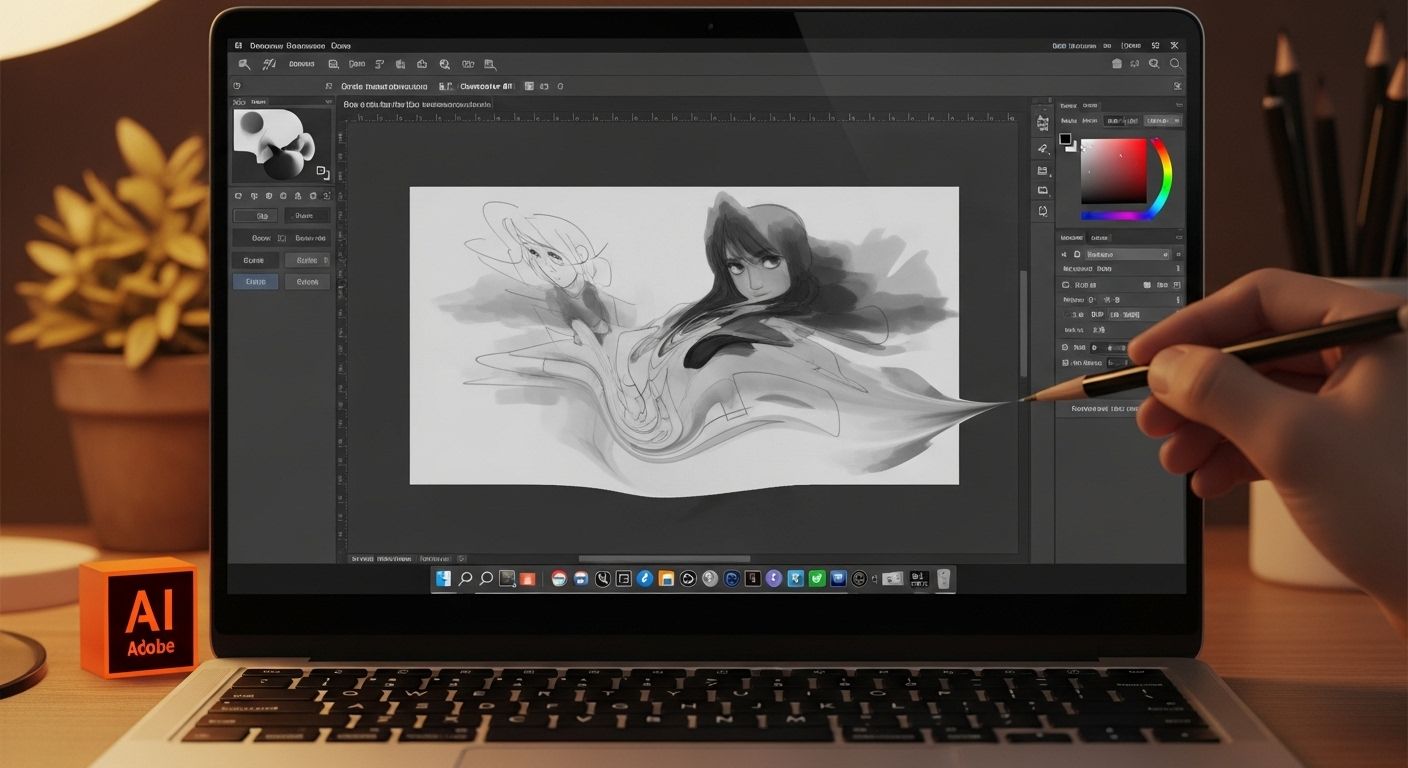
Creative Control Still Belongs to You
Unlike many AI tools that feel like black boxes, Photoshop’s AI is your creative collaborator. You choose what area to fill. You describe what goes in. You can generate multiple results and decide what fits your vision.
This isn’t about replacing creativity.
It’s about amplifying it.
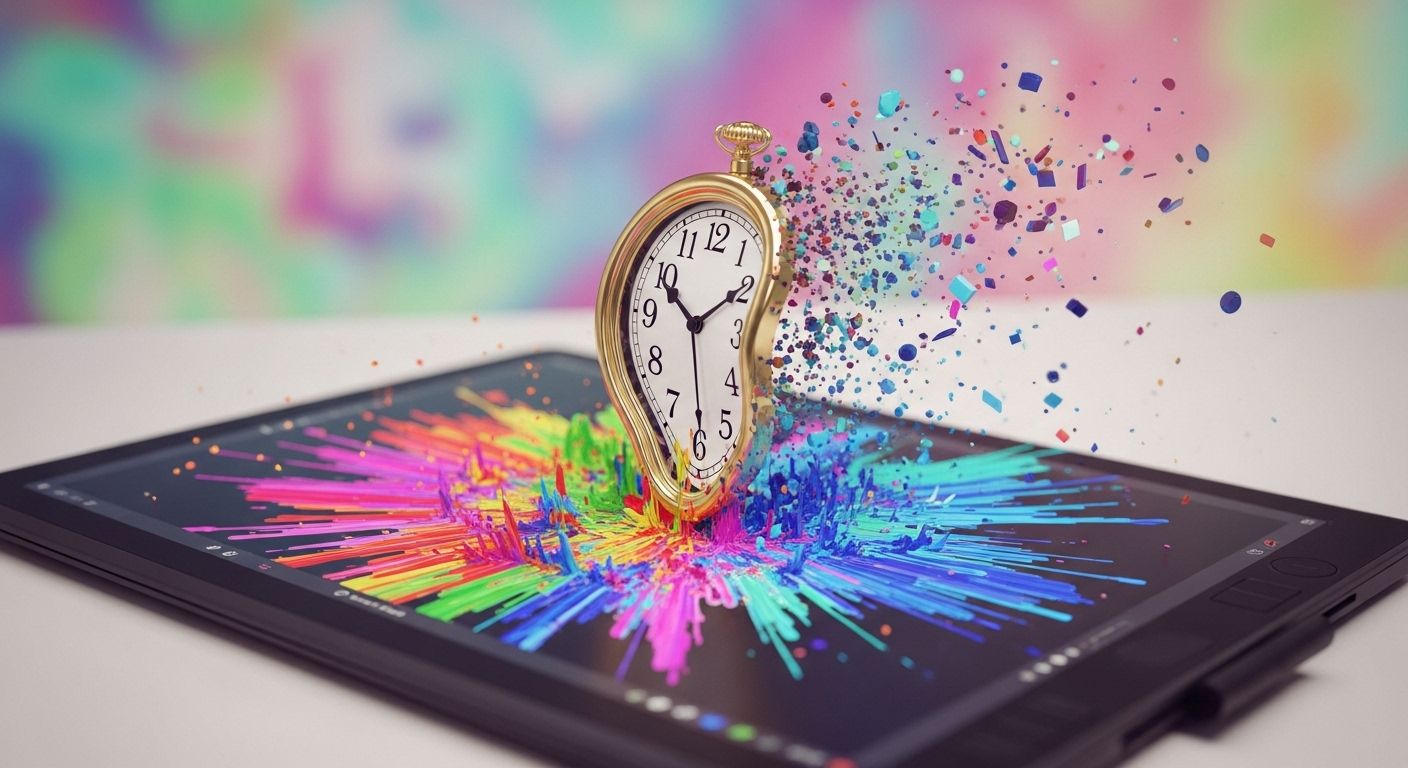
A Few Ideas You Can Try Today:
- Extend your canvas for social media posts with natural-looking backgrounds.
- Turn a daytime photo into night with moody lighting and stars.
- Remove distractions (like tourists) and replace them with landscapes.
- Create surreal scenes for album covers, posters, or book art.
- Visualize your next brand shoot before you book a studio.
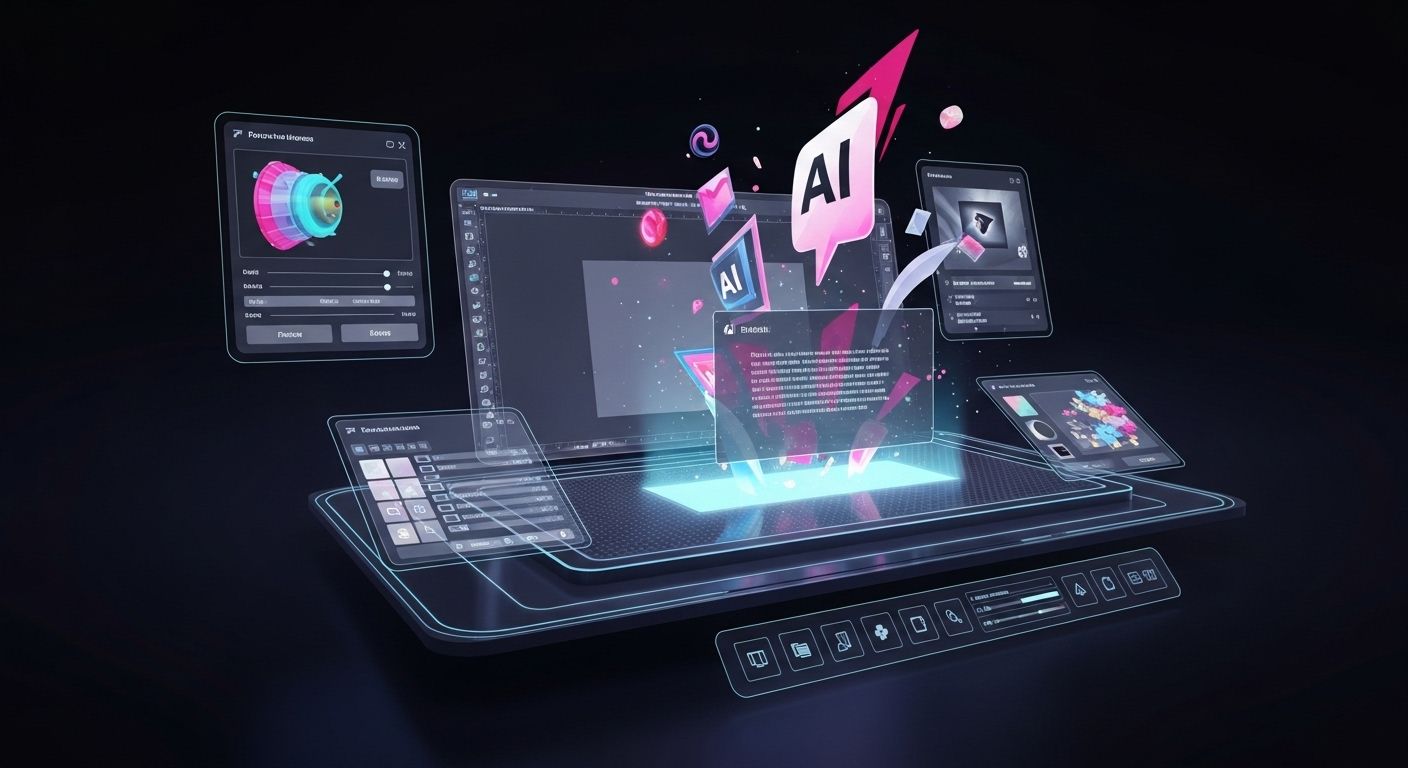
The Future of Design Is Here—and It’s Typable
Generative Fill is more than a Photoshop feature.
It’s a new design language.
One where ideas aren’t limited by time, budget, or technical skill—but only by your imagination.
So the next time you hear yourself say:
“I wish I could just see it...”
Know that now, you can.
Make what you imagine real—with AI and Generative Fill.
Only on Adobe Photoshop.
Get Sasa by email
Generative AI, Africa now. One edition, no more than once a week.