Human vs. Machine: Where Designers Thrive in the Age of Generative AI
How Generative AI is Transforming Graphic Design
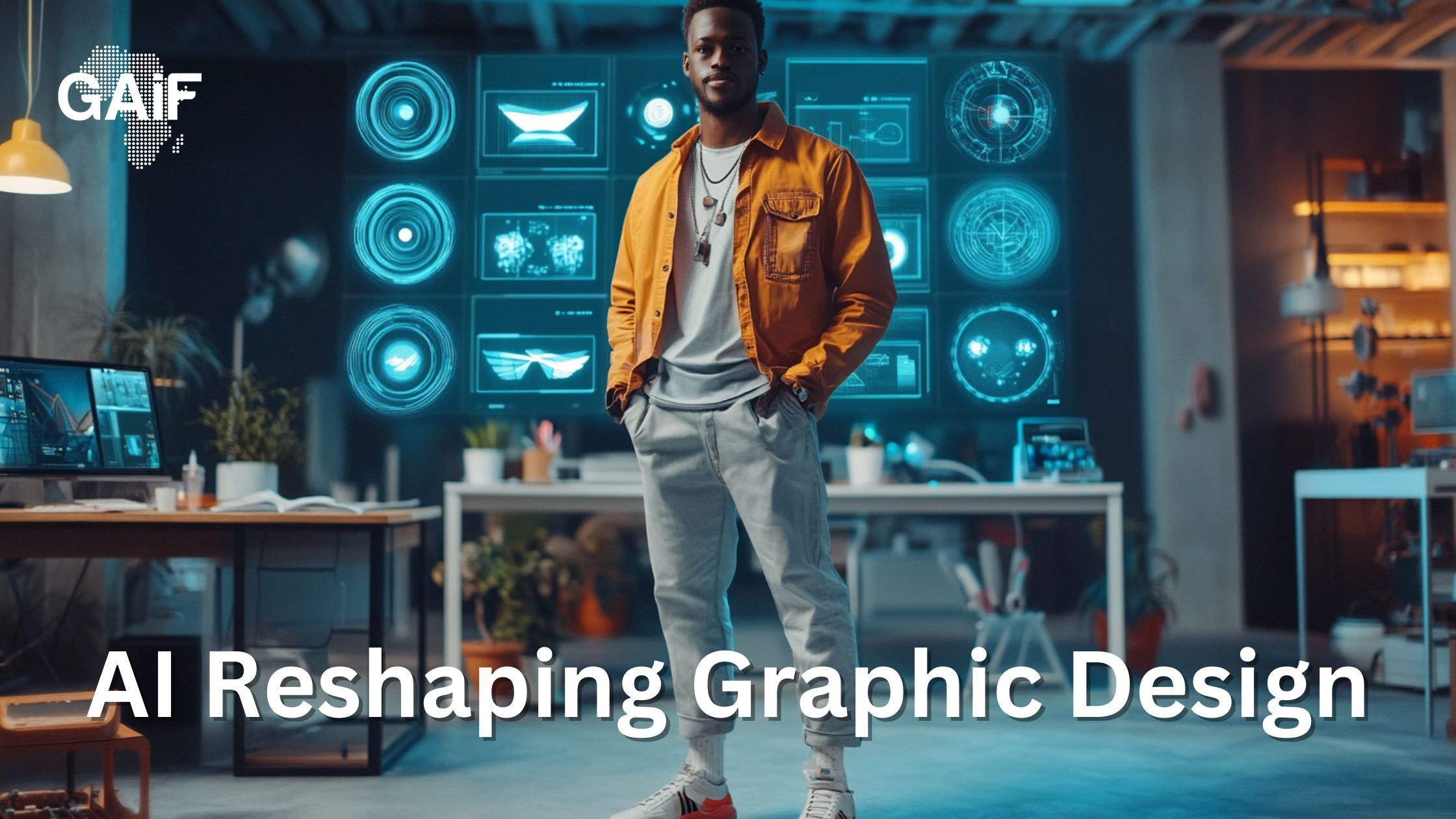
Not long ago, creating a logo or a full-blown brand campaign meant hours—if not days—of brainstorming, sketching, wireframing, and endless revisions. Designers relied heavily on tools like Adobe Illustrator, Photoshop, and InDesign, crafting every detail manually and iterating painstakingly through feedback loops. Today, that landscape is changing rapidly. Generative AI tools are entering the scene, not to replace designers, but to fundamentally reshape the creative process.
With AI now capable of producing logos, social media assets, color palettes, and even branding systems in mere minutes, the role of the designer is evolving—not diminishing. This post dives into how generative AI is transforming design workflows, which tools are leading the change, and why the human touch is more important than ever.
The Traditional Design Workflow – Hours of Manual Craft
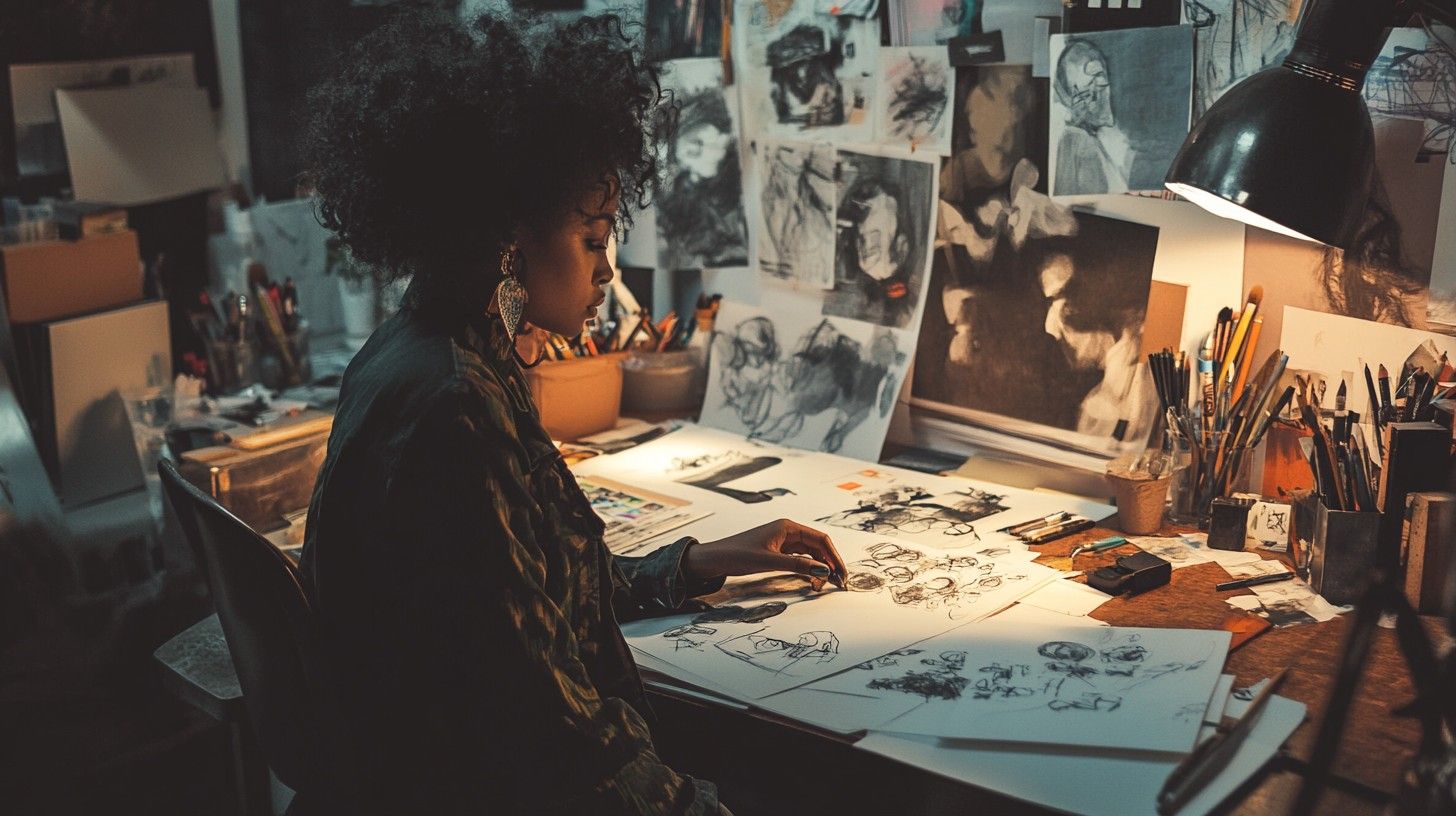
Before the rise of generative AI, the graphic design process was slow and intensely hands-on.
Designers would start with mood boards, sketches, and digital drafts using tools such as:
- Adobe Illustrator – for logos, icons, and vector illustrations
- Adobe InDesign – for layout design in print and digital formats
- Adobe Photoshop – for image manipulation, composites, and mockups
- Manual tools and web searches – for font pairings, color theory, and inspiration
This approach offered control and precision, but it came with a price:
Long hours spent on routine tasks
Creative burnout from repetitive revisions
Slow iteration cycles, especially under tight deadlines
While deeply rewarding, it often left little room for fast experimentation or rapid ideation.
The Rise of Generative AI in Design
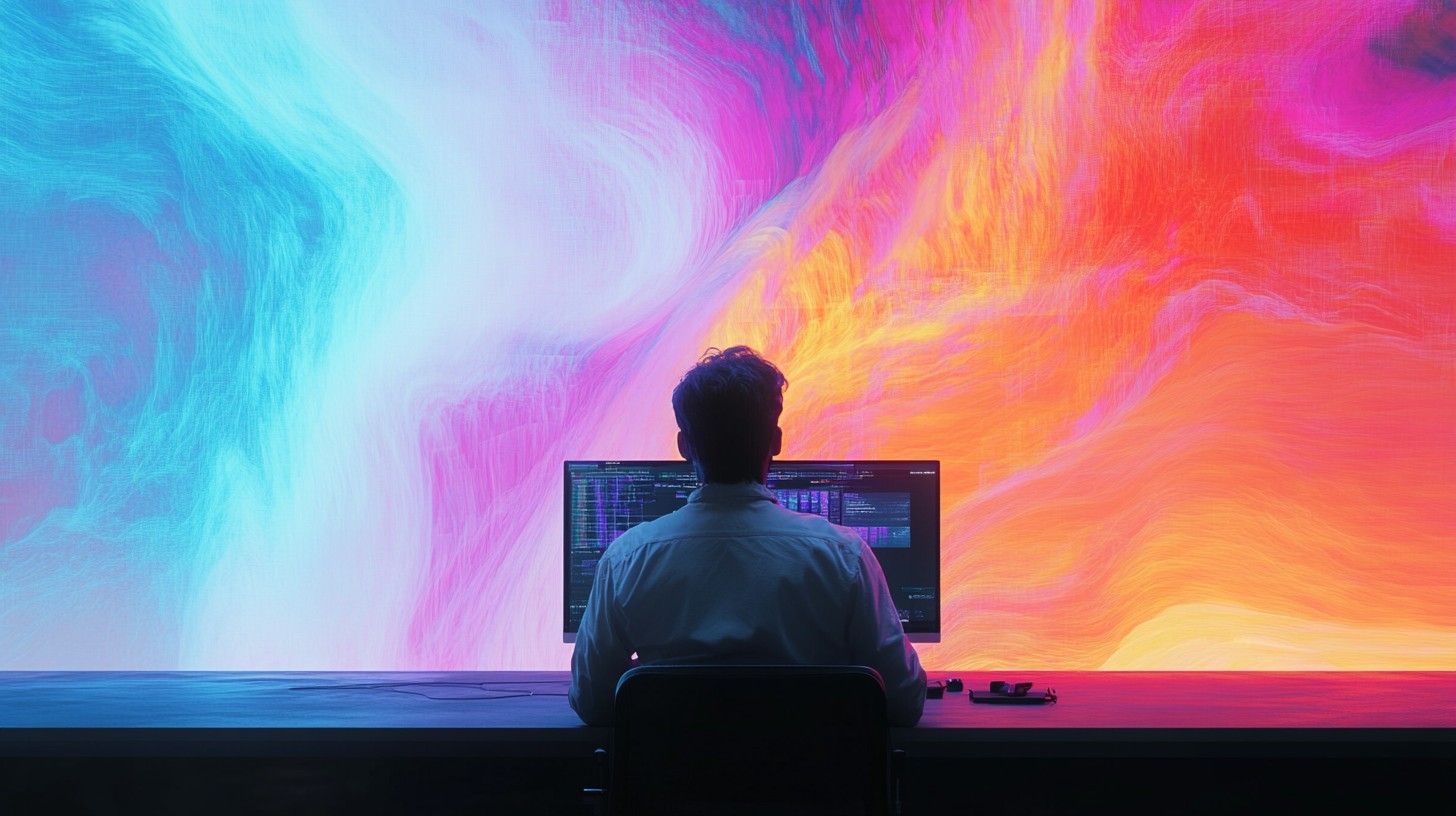
Enter generative AI—a new era where designers don’t have to start from a blank canvas. These tools use natural language prompts, AI-driven suggestions, and automation to assist or even generate visual assets.
🚀 Key Tools Powering the Revolution:
1. Adobe Firefly
- Transforms text prompts into stunning images, text effects, and design elements
- Great for early-stage ideation, mood boards, and social graphics
- Seamlessly integrates with Photoshop for refinements
2. Canva Magic Studio (includes Magic Design & Magic Edit)
- Instantly creates complete layouts from a sentence or photo
- Suggests typography, color schemes, and imagery for social and marketing assets
- Ideal for marketers or designers on tight timelines
3. Looka & LogoMakr
- AI-generated logo and brand identity creation
- Offers brand kits, templates, and customization without deep design skills
- Perfect for startups needing fast, affordable visual branding
4. Adobe Sensei (AI across Creative Cloud)
- Smart object detection, color matching, and content-aware fill
- Automates repetitive tasks like background removal and layout alignment
- Saves hours, allowing creatives to focus on concept development
These tools aren’t just faster—they’re redefining what's possible in a day’s work.

AI Speeds Up Execution, But Humans Still Lead
While AI can generate dozens of visual directions in seconds, it lacks emotional intelligence, cultural awareness, and the nuanced understanding of a brand's voice. That's where humans still shine.
- Human-Centered Strengths:
- Emotional storytelling through visuals
- Strategic thinking about audience, context, and tone
- Creative direction that goes beyond what’s already been done
Designers are no longer just creators—they’re interpreters of brand identity, user needs, and cultural relevance. AI might offer ten decent logo ideas, but a human decides which one feels right—and why.
Designers as Creative Directors of AI
The role of the designer is evolving. In this AI-driven landscape, designers act as:
Curators: choosing and refining the best AI-generated concepts
Prompt engineers: crafting the right instructions to shape AI outputs
Visual strategists: ensuring designs serve business goals and brand values
Learning to “talk” to AI tools effectively is fast becoming a must-have skill—similar to how knowing how to use Illustrator or Photoshop once was.
Conclusion: Design Evolved, Not Replaced
Generative AI isn’t here to replace graphic designers—it’s here to empower them. By automating the repetitive parts of the job, it gives designers more time to focus on what really matters: storytelling, strategy, and innovation.
In this new chapter, the designer becomes the director, and AI the assistant. It’s not Human vs Machine—it’s Human plus Machine.
Call to Action:
Take the leap and embrace AI in your design workflow. Start with Adobe Firefly to generate early concepts, then polish and refine them in Illustrator or Photoshop. AI is a powerful brush—but you’re still the artist holding it.
Get Sasa by email
Generative AI, Africa now. One edition, no more than once a week.