
Buzz AI: The Free Transcription Tool
No subscription fee for this transcription tool
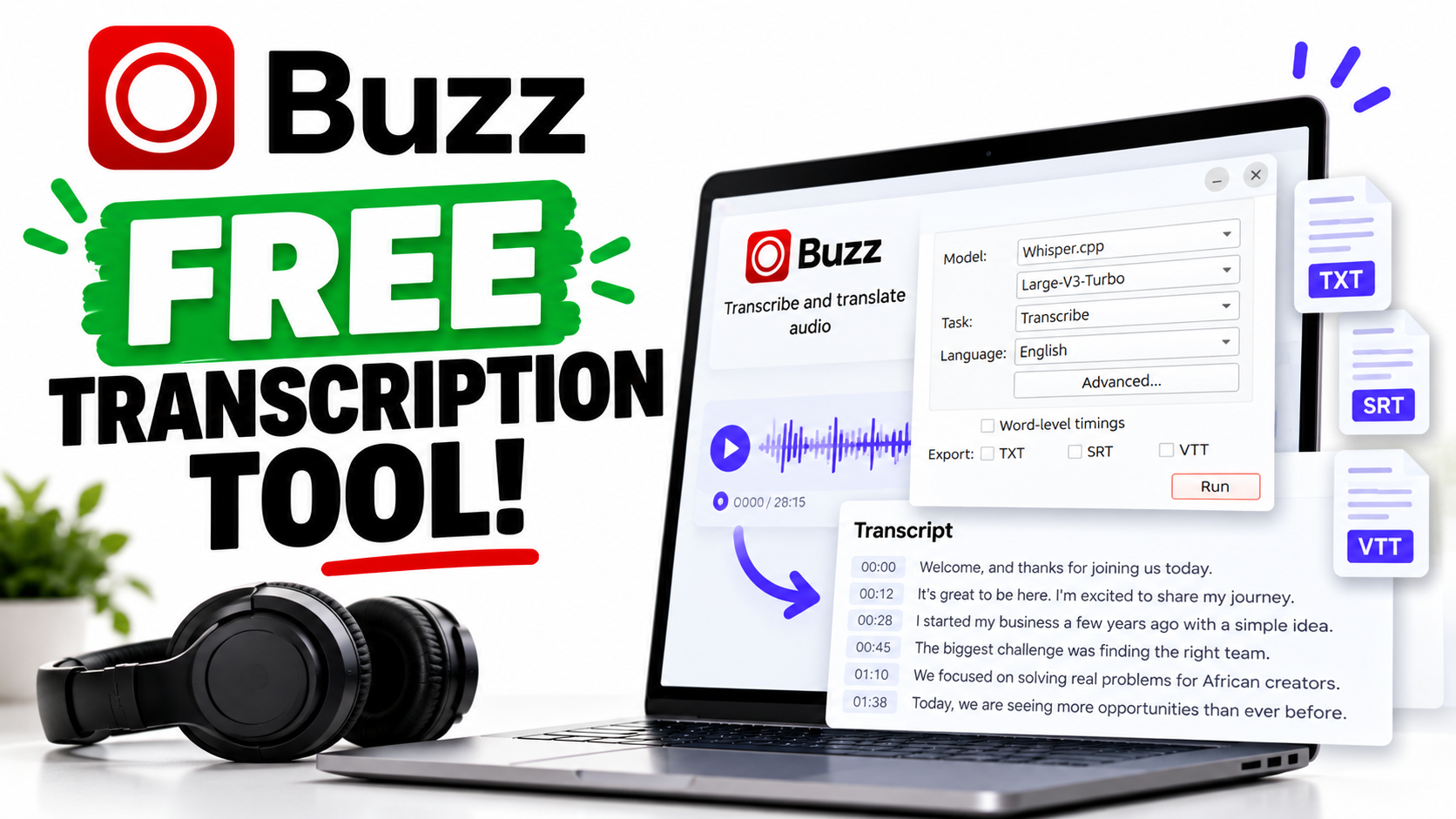
Aren’t you tired of paying monthly subscription fees for everything these days? Take me back to the times when I could use tools without worrying about my wallet at the end of the month.
Most times, when I find a transcription tool, there’s a subscription somewhere waiting for me. You get a few free minutes, upload your file, and then discover you need to upgrade to get the rest.
I decided to search online for a transcription tool that didn’t ask for my money and I found Buzz. I’ve used it to transcribe meetings and videos for free, and I think more people should know about it.
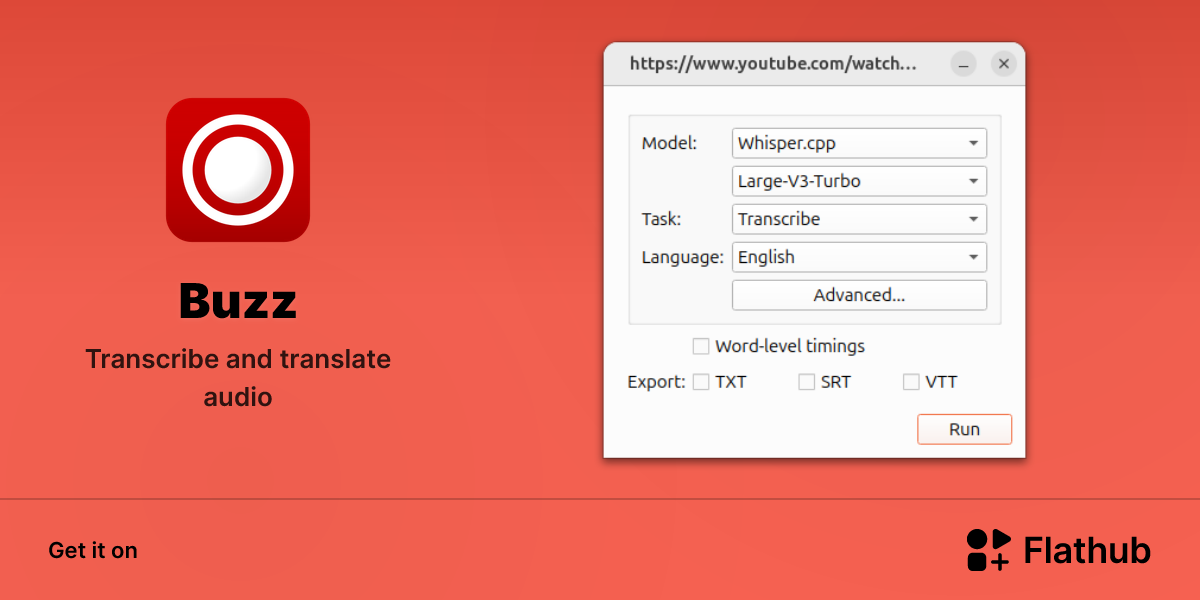
What Is Buzz?
Buzz is an open-source desktop application that turns speech into text. It is powered by OpenAI’s Whisper and can transcribe audio locally on your computer. It is available for Windows, macOS, and Linux.
In simple terms, you give it a recording, and it produces a written version of what was said.
The free, open-source application is available through its official GitHub repository, which also provides installation instructions.

Why Buzz Stands Out to Me
The biggest attraction for me is simple: I can get my transcription done without paying for another subscription.
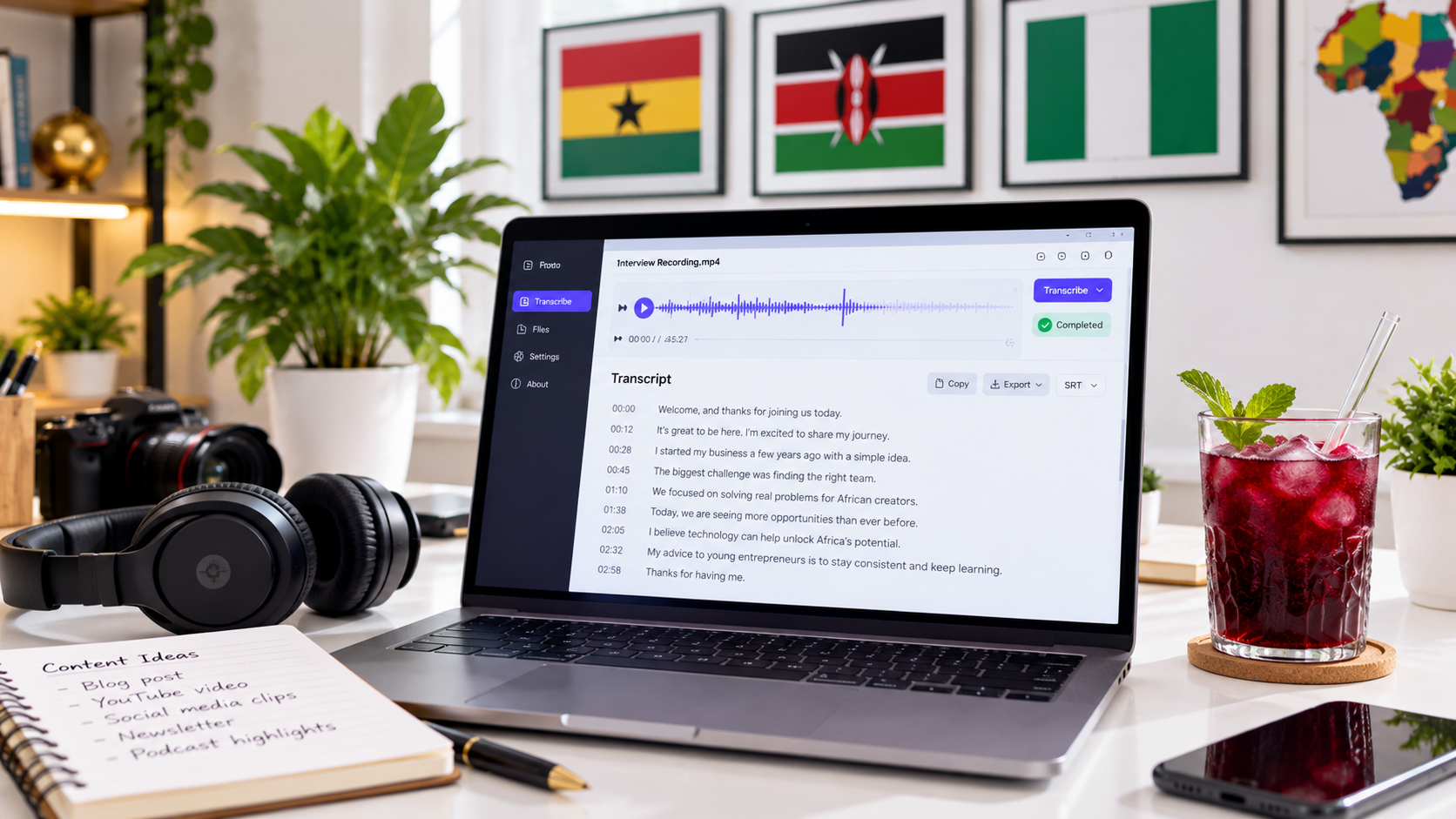
For someone who works with meetings and video content, that is useful. Listening to a recording repeatedly just to write down what someone said takes time. Having a transcript gives me something I can read, search through, and connect with AI tools like ChatGPT and Claude.
Buzz also supports exporting transcripts as plain text or subtitle files, including SRT and VTT. That makes it useful for both written transcripts and video-caption workflows.
Another advantage is offline transcription. Once the application and the required model are downloaded, you can use a local model without uploading your recording to a transcription website. Buzz also supports an optional OpenAI API connection, so the distinction matters: choose a local model for offline use.

How This Can Help African Creators and Professionals
Think about a freelancer reviewing a client meeting, a student working through a recorded lecture, or a creator turning a video into an article.
In each case, a transcript provides a useful starting point.
For African creators and small businesses managing several software expenses, having a free option can make a difference. You can explore transcription without first committing to a recurring payment.
A Few Things to Keep in Mind
Free does not mean there are no trade-offs. Local transcription uses your computer’s resources, and Buzz’s documentation notes that microphone transcription can be resource-intensive and may not happen in real time.
I would also treat any AI transcript as a first draft. Check names, figures, technical terms, and anything you intend to quote or publish.
Buzz From My Perspective
What I like about Buzz is that it solves a practical problem for me.
I’ve used it for meetings and videos without needing another subscription or AI caption tool.
Sometimes, that is exactly what you need from an AI tool: something useful that helps you get your work done, for free.
If you’ve been looking for a free transcription option, take a look at Buzz on GitHub.
Join the GAiF community for more insights.
Get Sasa by email
Generative AI, Africa now. One edition, no more than once a week.